Define the test before choosing the platform
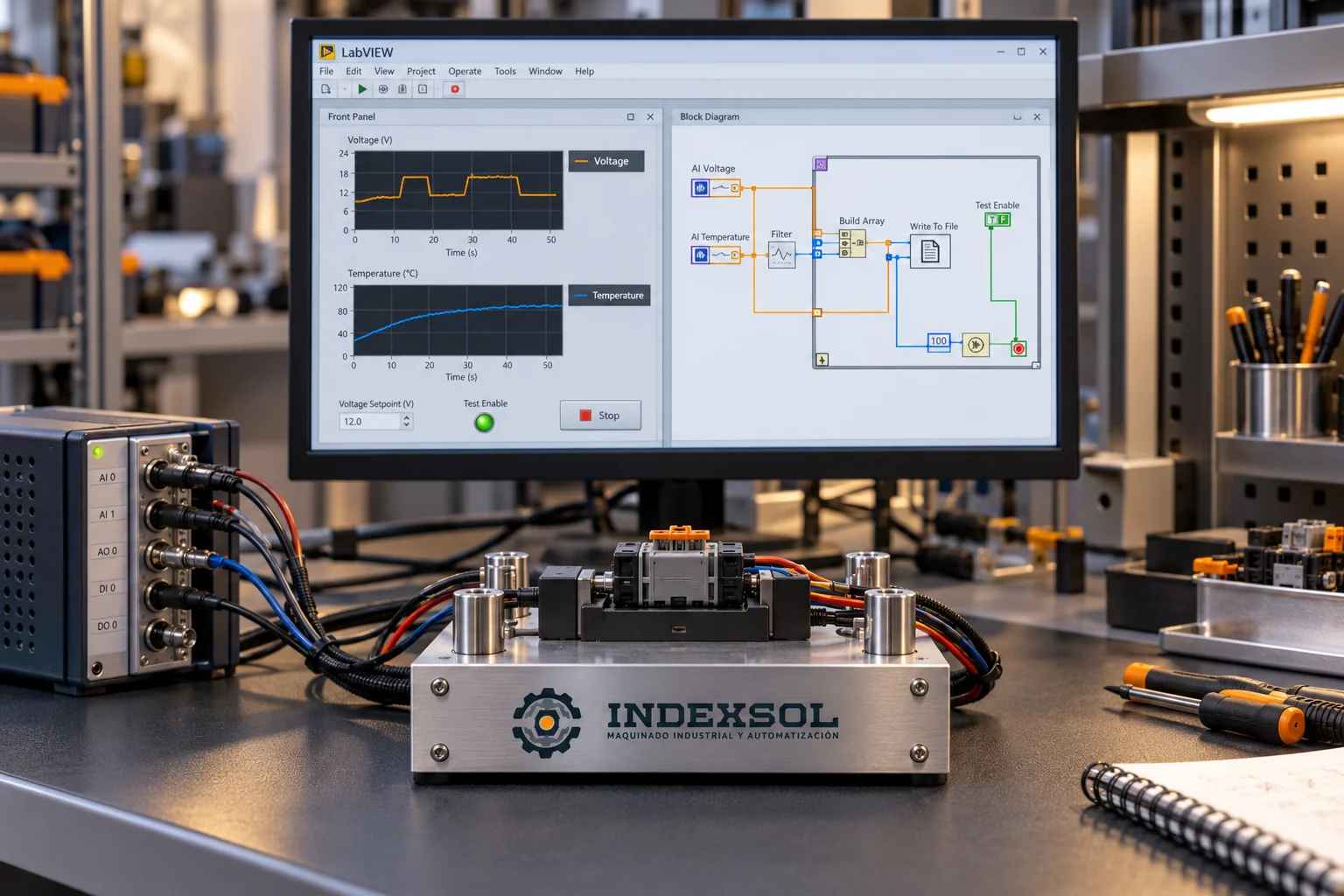
Describe the product function to verify and who defines acceptance limits. State whether testing occurs cold, hot or after another operation. LabVIEW may be part of the solution; the platform and equipment are selected after reviewing the requirement.
- Variables and units to record
- Test conditions and product variants
- Acceptance criteria supplied by the process owner
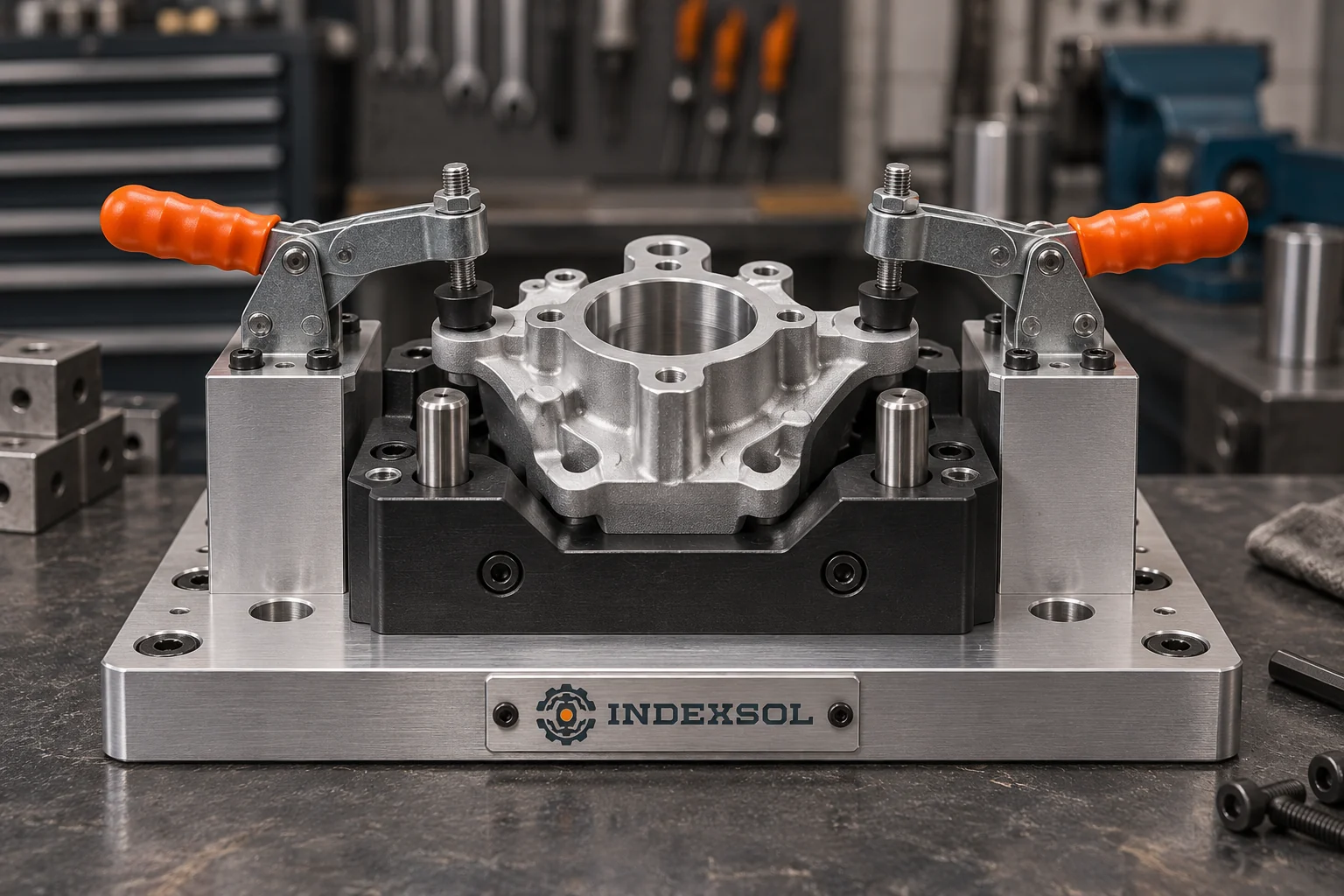
Include the fixture and operator workflow
The station must address how a part is placed, identified and removed. Provide dimensions, samples and contact restrictions. Include ergonomics, maintenance and handling of rejected parts in the design discussion.
- Part positioning and contacts
- Product identification and recipe selection
- Manual, semi-automatic or connected station operation
Agree on interfaces and traceability
List the existing instruments, PLCs and systems the station must communicate with. Define where records will be stored, who can access them and what happens without a connection. A cloud destination must be identified with its actual requirements.
- Available interfaces and integration owners
- Record fields linked to the part identifier
- Data destination, retention and recovery
Prepare repeatable acceptance
Agree on samples, references and conditions used to review the station. Define how results and observations will be documented. Cycle and coverage targets need agreed acceptance criteria rather than unverified promises.
- Authorized validation samples and references
- Sequence, rejection and recovery checks
- Software, drawings, backups and training as defined by scope